
Anivatar / Digital concierge
Guests ask. Your team knows what’s next.
An Anivatar character talks with guests on your hotel website or a screen in the lobby. It answers from hotel-approved information and helps route requests to the right team.
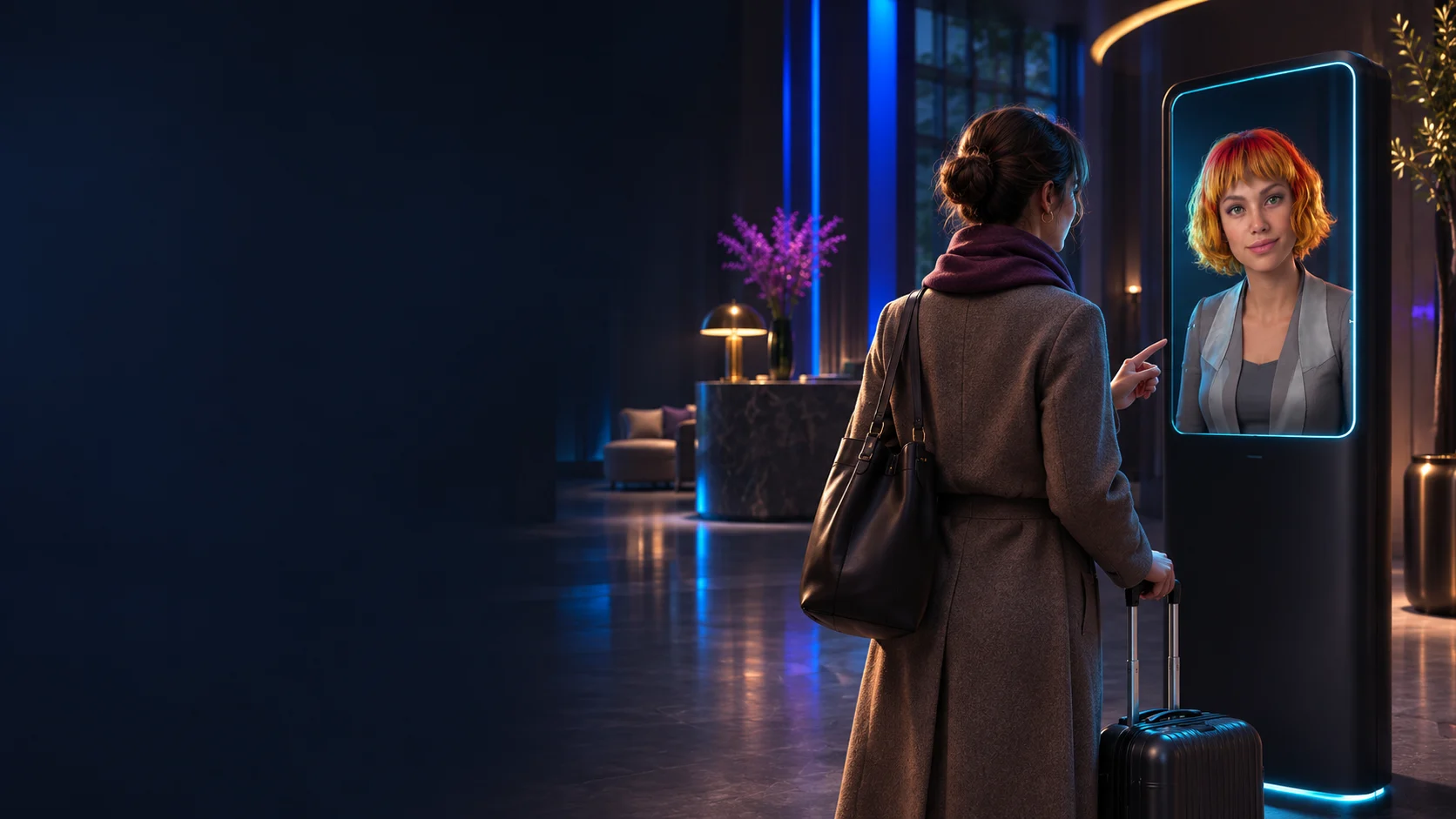
Guests ask once. The right team gets the request.
Details can get lost when shifts change or a request moves between departments. The concierge captures them during the conversation so staff can get straight to the issue.
Understands the request
Guests ask in their own words. The concierge clarifies what they need and asks for details such as an arrival time or party size.
Follows the hotel’s rules
It explains breakfast hours, directions and policies using approved information. For changes and bookings, it collects the details needed for a decision.
Passes the details to staff
With a request channel connected, the right team gets the request, timing and preferences. Staff check availability and confirm the next step with the guest.
Simulated conversation
What happens after a guest asks?
Choose a situation to see how the concierge responds and what staff receive when they need to make a decision.
- Guest
- Could we check out tomorrow at 2 pm instead of 11 am?
- Digital concierge
- I can pass your request to check out tomorrow at 2 pm to the front desk. They’ll confirm whether that’s possible.
Request for the front desk
Late checkout · tomorrow, 2 pm
Awaiting front desk confirmationThe front desk checks room availability and any fee, then confirms the checkout time under the hotel’s policy.
- Guest
- We’ll arrive after 10 pm. How do we get into the car park?
- Digital concierge
- The entrance is on the reception side. After 10 pm, please use the intercom at the barrier.
Information for the guest
Directions and car park access after 10 pm
Based on the hotel’s instructionsCurrent parking instructions are enough to answer this question. The front desk remains available if the guest needs help on arrival.
- Guest
- Is there a table for four tonight at 7:30 pm? By the window, if possible.
- Digital concierge
- I can pass the time, party size and window preference to the restaurant. The team will confirm availability.
Request for the restaurant
Tonight, 7:30 pm · 4 guests · window table preferred
Awaiting restaurant confirmationThe restaurant receives the party size, time and seating preference. The team or a connected booking system confirms the reservation.
From planning an arrival to the final request.
Each team has its own procedures. We choose where conversation helps guests and gives staff the information they need to act.
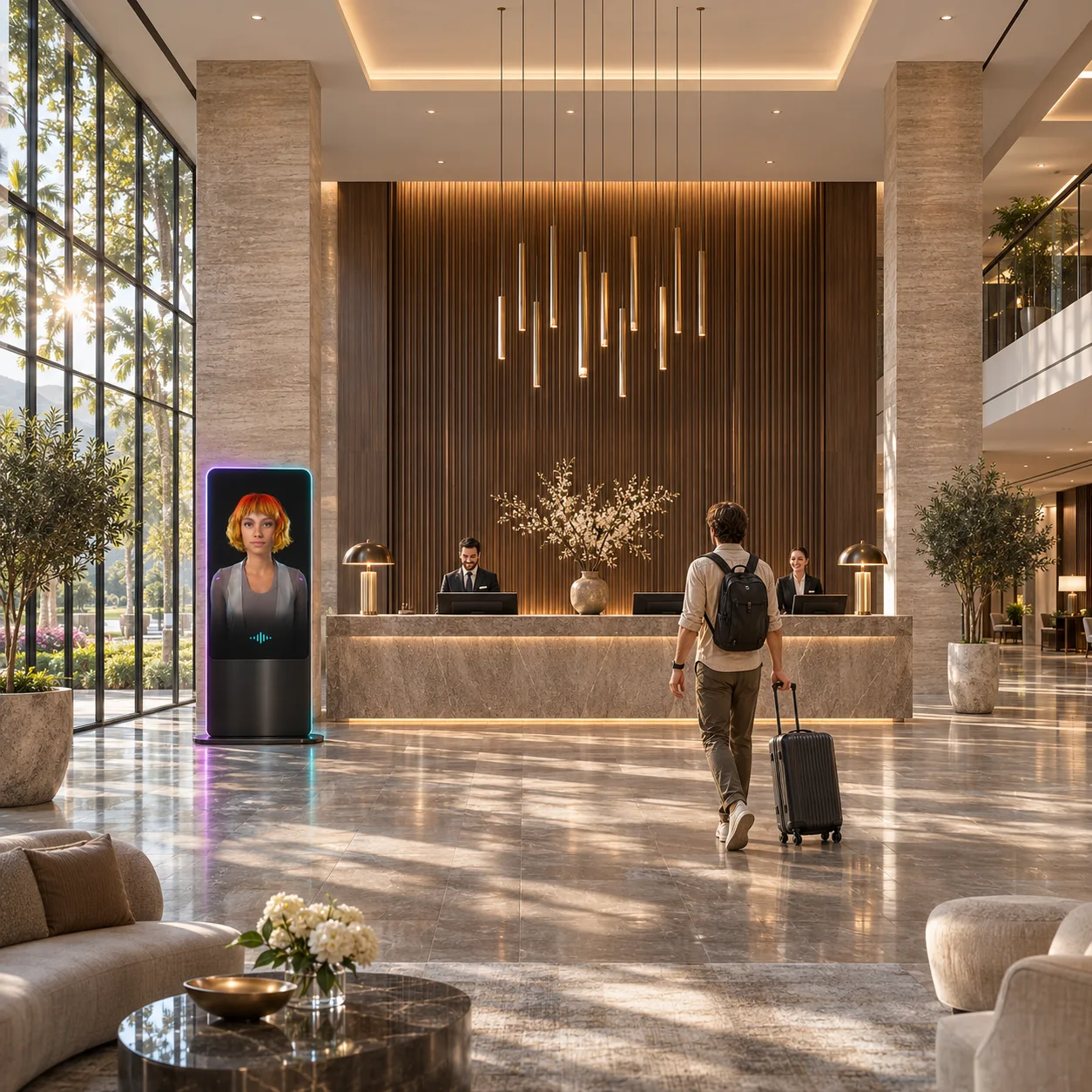
Arrival and front desk
Directions, parking, check-in times and late-arrival instructions. Unusual requests go to the front desk.
Rooms and guest services
Explains hotel policies and captures details about requests such as extra towels so staff know what’s needed and where.
Dining and bar
Answers questions about hours, menus and tables. It records preferences and refers allergy questions to staff under the hotel’s procedure.
Spa and leisure
Explains approved options and collects treatment and timing preferences. The spa team or booking system confirms availability.
Events and special occasions
Summarises dates, group size and requirements for private dinners, celebrations and meeting-room enquiries.
Departure
Explains checkout and how to arrange transport, or prepares a late-checkout request for the front desk.
Your hotel’s voice. Your team’s rules.
We adapt the character, tone and languages to your guests and each channel. The lobby greeting can differ from the way it answers pre-arrival questions. Staff decide which sources it uses and when they take over.
Knowledge and tone
The hotel approves the information, languages and tone the character uses with guests.
Staff handover
We agree which requests go to the front desk, restaurant or another team and what details they need.
System access
Checking availability, routing requests and changing bookings require the right integrations and permissions.

Start with one task at your hotel
Let’s choose one moment and one channel, such as pre-arrival questions on the hotel website. We’ll agree how to assess answers and when staff should step in.
Choose a moment
Identify recurring questions and the requests staff often have to clarify. Pick one place to start.
Agree the rules
Gather approved answers, agree what details each request should include, and identify the team that will receive it.
Test with staff
Try common questions and situations where information is missing, an integration is unavailable or staff must make a decision.
Review the pilot
Set a review period and conversation sample. Use the findings to improve answers, refine handovers or extend the scope.
What we measure in the pilot
- Answer accuracy
- Share of reviewed answers that follow the hotel’s current information and policies.
- Request completeness
- Share of forwarded requests that include the details staff need to act.
What should we agree before rollout?
Do we need to connect our hotel management system first?
Approved materials are enough for questions about hotel services, directions and policies. Live room availability, booking data and changes require the right integrations and permissions.
Where can it work, and in which languages?
The first channel can be the hotel website or a lobby screen. We choose languages and voices for your guests and test the pronunciation of the hotel and local place names.
What if staff need to decide or information is missing?
The hotel sets the handover rules. The concierge explains the next step, such as front desk confirmation, and directs the guest to the agreed point of contact.
What information does staff receive?
We agree what each task requires and who can access it. A dining request, for example, can include a time, party size and seating preference.
Can a guest continue the conversation on another channel?
The concierge uses details already provided during the conversation. Continuity across channels requires a shared session or request and agreement on which information may be carried over.
Which conversation should we start with at your hotel?
Tell us about a request that regularly reaches your front desk. We’ll work out what the concierge can handle and when your team should take over.