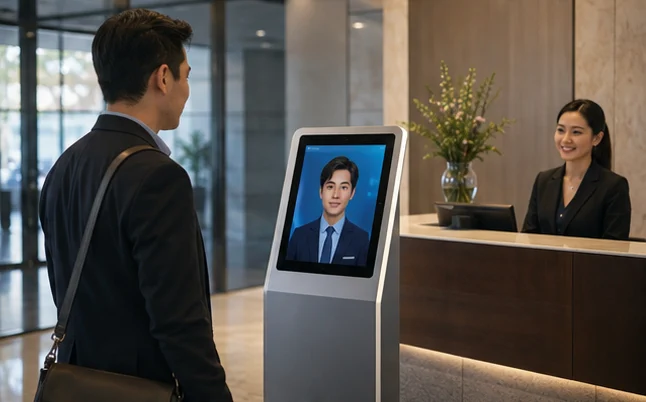
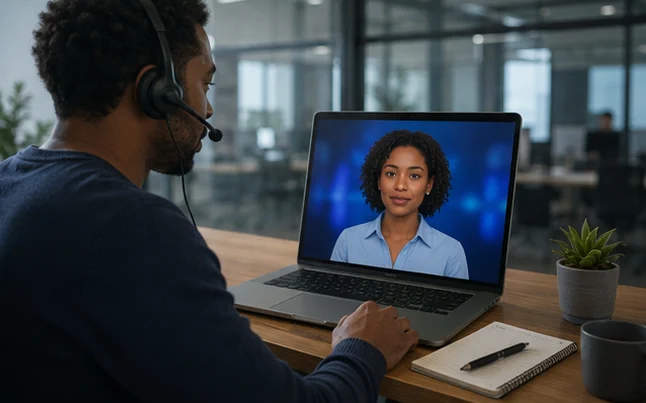
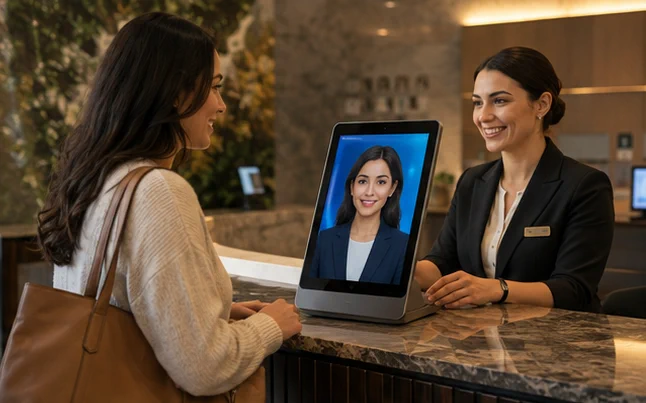
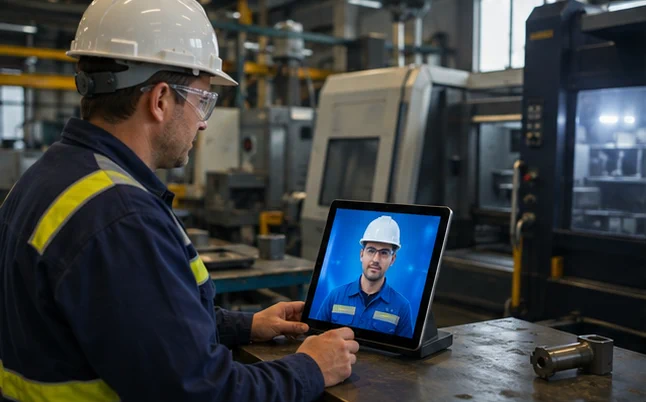
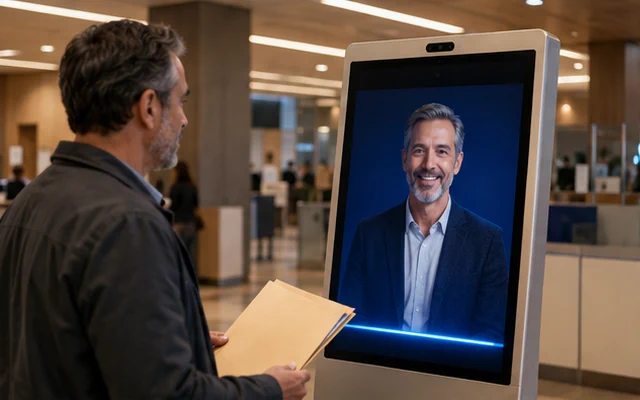
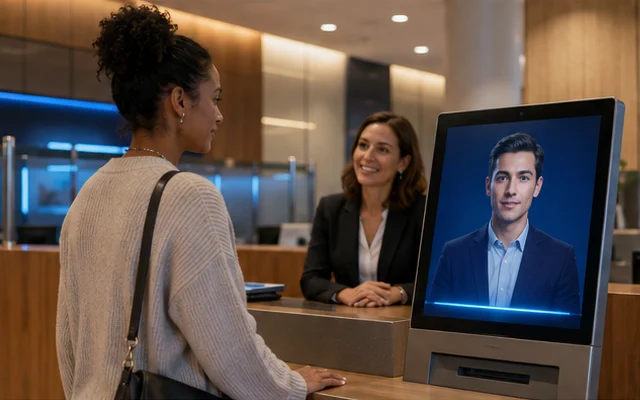
“The room looks different from the photos. What are you going to do about it?”
The avatar plays an unhappy guest. A receptionist practises explaining the situation, offering available options and escalating the issue to a manager. Afterward, the employee receives feedback based on hotel criteria.
WHAT CHANGES
The team can practise a difficult moment before it happens at reception. The character’s tone and expressions are part of the exercise.
What we need
Complaint scenarios, service standards and trainer criteria; optional LMS.
What we will test in a pilot
Response rating against the trainer’s rubric and progress between attempts.
Training simulation. The result alone must not determine personnel decisions.
“Can you explain the late-checkout rules in English?”
The character leads short dialogues about reservations, charges and services. Employees practise language relevant to their own hotel and can repeat the harder parts.
WHAT CHANGES
Vocabulary is immediately tied to a task employees perform during a shift.
What we need
Hotel offer, glossary of names, verified language versions and scenarios.
What we will test in a pilot
Correct explanation of the rules and completion of the conversational task.
We check pronunciation and feedback quality for every selected language.
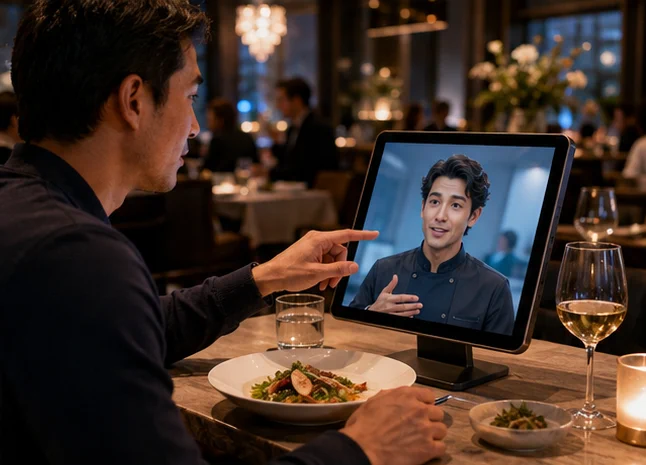
The host asks about preferences, presents dishes and helps with reservations. It can also answer questions about catering, outdoor seating or a table for a larger group.
WHAT CHANGES
Less time spent studying the menu. More room for hospitality.
How it works: Restaurants
“We have an hour before the show. What would you recommend for a quick dinner?”
Suggests dishes to suit the guests’ time and preferences.
Checks dish availability in the current menu.
After confirmation, passes the order to the service team.
Required integrations
Menu, reservation system, POS or requests to the service team.
Contact channels
TABLET · KIOSK · WEB · PHONE
Allergen information comes only from an approved menu; staff resolve any uncertainty.
“We have been waiting too long and will be late for the theatre.”
A virtual guest complains about service time or an order. A waiter practises listening, gathering facts and offering a solution that follows restaurant rules.
WHAT CHANGES
A repeatable exercise in a difficult conversation without involving real guests.
What we need
Restaurant standards, service scenarios and feedback criteria.
What we will test in a pilot
Completeness of the response and proper escalation to the manager.
The avatar does not invent a refund policy or allergen information.
Onboard and supportYour first 15 minutes with the product
“I have unpacked the coffee machine. Where do I start?”
After scanning a code, the customer selects the model. The character guides initial setup, points out parts in an illustration and helps find the relevant section of the manual.
WHAT CHANGES
Support continues after purchase, when the customer first tries to use the product alone.
What we need
Approved manuals, model identification, visual materials and service contact.
What we will test in a pilot
Setup completion and number of first-use support requests.
It does not bypass safeguards or suggest repairs that require a professional.
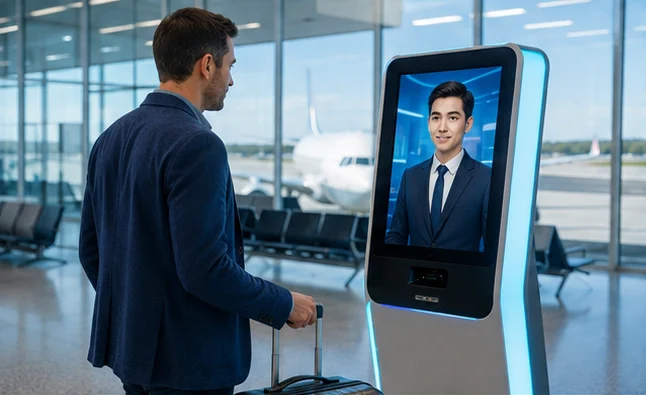
“I want to collect an order. What should I do at this terminal?”
The avatar explains the steps for collection or returns and points out the right controls. If something goes wrong, it sends the customer to staff with a description of where the process stopped.
WHAT CHANGES
Customers get help at a point where a staff member is not always present.
What we need
Terminal instructions, process status and a secure link to the service system.
What we will test in a pilot
Share of completed operations and number of staff interventions.
We show order details only after the required verification.
The product makes an impression. A conversation helps you choose.
The avatar turns browsing into a conversation about needs. In a car, furniture or electronics showroom, it explains differences, presents options and prepares a handover to a salesperson.
WHAT CHANGES
Customers understand the differences. Advisers begin with a focused conversation rather than starting from scratch.
How it works: Showrooms
“How do these two models differ, and can we book a test drive?”
Asks about intended use, priorities and desired features.
Compares selected options using the catalogue and available materials.
After confirmation, books a demonstration or passes a summary of needs to an adviser.
Required integrations
Product catalogue, configurator, CRM, availability and demonstration calendar.
Contact channels
SHOWROOM · SCREEN · TABLET · WEB
Prices and availability come from a connected source; the salesperson confirms the final offer terms.
Help people choose and buyA B2B showroom that explains
“Show me how these two modules differ and when I need the larger one.”
The character guides visitors through a 3D model of a product or machine. Their choices open the right view, a comparison of versions and questions for a sales engineer.
WHAT CHANGES
A complex product can be explored and understood in the context of needs before a detailed consultation.
What we need
3D model or product materials, approved specifications and optional CRM.
What we will test in a pilot
Understanding of differences and completeness of the brief passed to the adviser.
An authorised specialist confirms technical selection and final offer specifications.
The avatar explains floor plans, compares properties and guides visitors through a development presentation. It helps prepare a meeting with an adviser.
WHAT CHANGES
The meeting starts with the customer’s needs instead of repeating the basics.
How it works: Real estate
“We are looking for a three-room home with space to work. What can we view?”
Asks about needs, floor area and preferred appointment time.
Shows available layouts and approved development materials.
Books a viewing and sends the adviser a list of questions.
Required integrations
Property catalogue, floor plans and visualisations, CRM and calendar.
Tutor, coach, attraction character or digital curator: knowledge and stories respond to the audience’s questions.
CONCEPT VISUALISATIONEducation
Education / AI tutor
Your own pace, not another lecture.
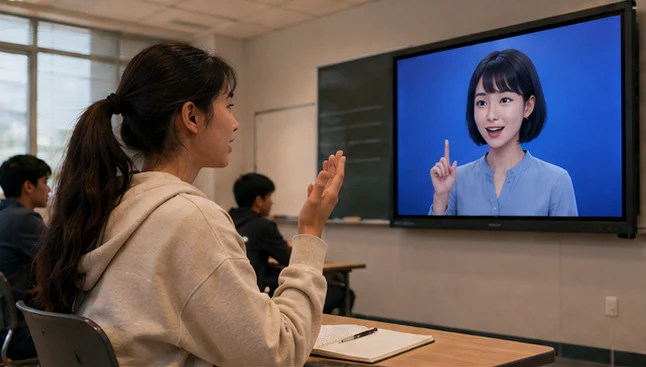
A digital conversation partner lets learners practise a language, ask questions and revisit difficult topics. The teacher defines the material and learning goal.
WHAT CHANGES
A space to try, make mistakes and learn without the pressure of answering in front of others.
How it works: Education
“I know the vocabulary, but I am afraid to speak English.”
Plays out a scene with the learner: a hotel, a shop or a job interview.
Suggests another phrasing and invites the learner to try again.
Summarises the exercise within the scope agreed with the teacher.
Required integrations
Approved materials, learning platform and teacher dashboard.
Contact channels
WEB · WHITEBOARD · TABLET
For children: adult supervision, a limited scope of conversation and data protection.
Teach and practiseA customer in the training workshop
“I am looking for a gift but do not know which option to choose.”
A student talks to a character playing a customer in a showroom, shop or hotel. The student practises identifying needs, explaining the offer and answering concerns.
WHAT CHANGES
The teacher can use many situations without organising a cast for role-play each time.
What we need
Subject scenarios, practice catalogue and teacher criteria.
What we will test in a pilot
Meeting the task criteria and being able to explain the recommendation.
Materials suited to the learner’s age; the teacher remains responsible for final assessment.
Teach and practisePractice for a first job interview
“Tell me about a time when you solved a problem.”
The avatar plays an interviewer in a mock recruitment conversation. A pupil or student practises specific answers and receives suggestions about their structure.
WHAT CHANGES
A chance to prepare for a first meeting with an employer at one’s own pace.
What we need
Role scenarios, career adviser criteria and educational materials.
What we will test in a pilot
Specific examples, clarity of answers and the adviser’s assessment.
It does not select candidates or assess personality from their face or voice.
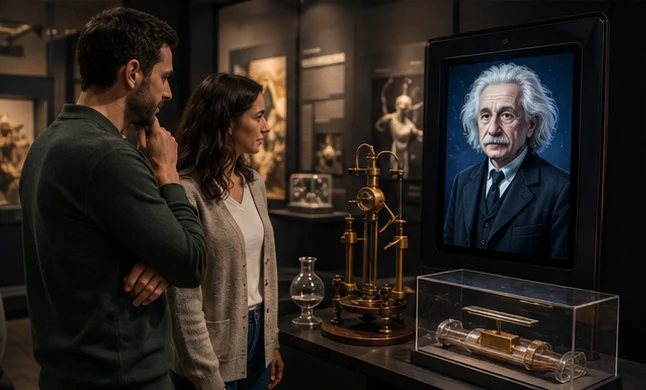
A digital scientist or curator tells the story behind an exhibit. Visitors can ask follow-up questions, choose the level of detail and follow their own route.
WHAT CHANGES
The exhibition gains a voice, and visitors influence the course of their visit.
How it works: Museums
“How does this invention work? Explain it without difficult words.”
Starts a story connected to the chosen object.
Answers questions using curatorial materials.
Suggests another exhibit or a short discovery task.
Required integrations
Curatorial materials, exhibit catalogue and visitor routes.
Engage and tell a storyOne story. Several perspectives.
“How did a craftsperson remember the event, and how did a scholar remember it?”
Visitors ask similar questions of different characters connected to the exhibition. Each presents an approved perspective and points to relevant exhibits.
WHAT CHANGES
Visitors compare and discover instead of only listening to the same commentary.
What we need
Curatorial research, historical sources, character scripts and exhibition map.
What we will test in a pilot
Number of perspectives explored and understanding measured in a short quiz.
We distinguish documented facts from dramatisation. The character does not pose as an authentic witness.
Teach and practiseDifficult management conversations
“I disagree with your assessment of my work. What exactly do you mean?”
The character plays an employee during a conversation about feedback, conflict or a change of duties. A manager practises clear messages and responding to disagreement.
WHAT CHANGES
Room to practise and adjust before an important conversation takes place within the team.
What we need
Trainer scenarios, communication standards and transparent exercise criteria.
What we will test in a pilot
Clarity of feedback and fulfilment of the conversation criteria.
We assess the exercise, not personality; there are no automatic personnel decisions.
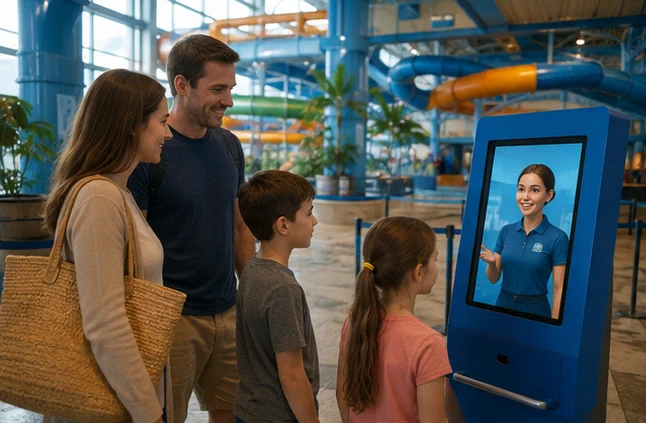
A character from the park’s world guides visitors along a story-driven route, suggests missions and helps families discover attractions that fit their plans.
WHAT CHANGES
Visitors become participants in the story, not just spectators.
How it works: Theme parks
“We have two hours. What adventure should we choose together?”
Asks about the visitors’ available time, interests and constraints.
Suggests a route based on the rules and availability of attractions.
Opens the next chapter of the story after a mission is completed.
Engage and tell a storyA character throughout the visit
“We found the first symbol. Where will our mission take us?”
The same character welcomes a family, guides them through the story and recaps their discoveries. A session code lets them continue the mission on selected screens.
WHAT CHANGES
One story connects the attractions, and visitors become part of it.
What we need
Storyline, map of locations, mission progress and an anonymous session code.
What we will test in a pilot
Route completion, participation at later points and families’ opinions.
No facial recognition of children. Staff remain responsible for attraction safety.
Engage and tell a storyThe story begins in the queue
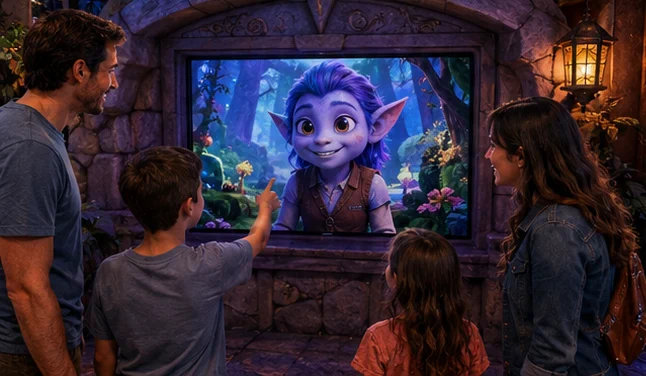
“Who is the gatekeeper, and why does he need our help?”
The character introduces the attraction’s world, poses a short riddle and reacts to the group’s choices. The conversation has a fixed duration and prepares visitors for the rest of the experience.
WHAT CHANGES
Waiting time becomes an introduction to the story rather than an empty pause.
What we need
Attraction storyline, screen, touch or voice controls and cycles matched to the queue.
What we will test in a pilot
Participation in the interaction and understanding of the story before entry.
We do not promise shorter queues. Staff announcements always take priority.
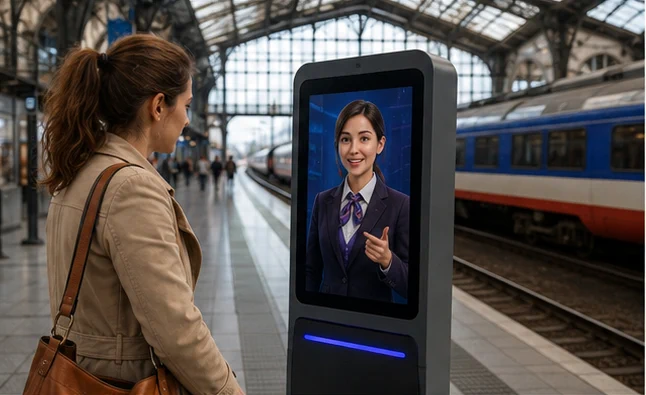
The wayfinder combines connection information with a practical station map. It helps passengers find a lift, ticket office, luggage storage or the right help point.
WHAT CHANGES
Travel information becomes a clear route through the station.
How it works: Railway stations
“I have a connection and a pushchair. How do I get to the next platform?”
Checks the service and operator notices.
Shows a route through accessible passages and lifts.
Explains where to get help if a connection changes.
Required integrations
Operator timetable, service notices and an accessible station map.
An easier way to manage the home, keep in touch with loved ones and prepare for an appointment. Clear rules and human control are part of the design.
CONCEPT VISUALISATIONSmart home
Smart home / Home assistant
The home understands your plans for the evening.
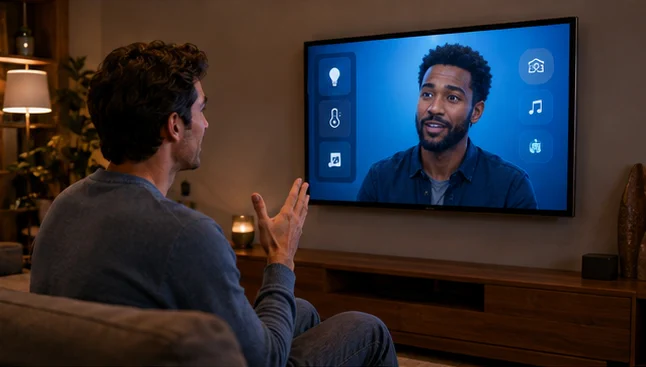
One conversation brings lighting, temperature, blinds and the daily schedule together. Household members do not have to remember device names or switch between apps.
WHAT CHANGES
Fewer commands. More control over everyday life.
How it works: Smart home
“Turn on movie mode and remind me about the washing machine in an hour.”
Recognises a saved scene and the selected room.
Activates permitted devices and sets a reminder.
Reports what it did and which device could not be connected.
Required integrations
Smart-home system, device scenes and household calendar.
Contact channels
SCREEN · VOICE · MOBILE
Access to locks and other sensitive functions requires separate permissions and confirmation.
An administrative assistant answers questions about appointments, guides patients through forms and provides instructions approved by the healthcare facility.
WHAT CHANGES
Patients know the next steps. Staff can focus on matters that need their attention.
How it works: Healthcare
“Where should I report, and which documents should I bring?”
Helps find the right clinic and registration desk.
Provides an approved list of documents and administrative instructions.
Directs clinical questions to staff instead of making decisions.
Required integrations
Facility information, registration and access-controlled forms.
Contact channels
RECEPTION · WEB · TABLET · PHONE
No diagnosis or treatment recommendations. Patient data requires a separate data-protection and access plan.
“Why do we perform this check before the next stage?”
Experienced employees help create a library of approved explanations. The avatar guides people through instructions, shows examples and points to an expert when a problem is unusual.
WHAT CHANGES
Practical team knowledge stays available even when its author is on a different shift.
What we need
Expert knowledge, versioned procedures, training materials and access control.
What we will test in a pilot
Time to find the right instruction and expert assessment of explanation accuracy.
We do not copy an employee’s mind. We do not bypass procedures, safeguards or permissions.
“Show me where this module is on the line and what it connects to.”
The avatar guides users through a model of the facility, points out components and explains their connections. A question leads to a specific location and its documentation.
WHAT CHANGES
A new employee or customer can understand the space and relationships better than from a list of names alone.
What we need
Spatial model, links between components and documentation, and optional read-only data.
What we will test in a pilot
Correct identification of components and time to find related documentation.
Informational only, with no machine control; live data needs a separate integration.
At a public office or a bank, clear information and a safe next step matter. The assistant explains, guides and helps prepare contact with an employee.
CONCEPT VISUALISATIONPublic administration
Public administration / Public-service guide
A clear answer. The right desk.
A digital assistant explains procedures in plain language and guides residents to the right service. It helps them prepare for a visit, find a form and contact the relevant department.
WHAT CHANGES
Residents arrive prepared. Staff can focus on resolving their cases.
How it works: Public administration
“I need to handle an administrative matter. Which documents should I prepare?”
Identifies the type of matter without collecting unnecessary personal data.
Shows documents and forms based on current, approved information from the office.
Helps book a visit or passes an unusual matter to an employee.
Required integrations
Public-service catalogue, official information base, forms and appointment system.
Contact channels
PUBLIC OFFICE · WEB · PHONE · KIOSK
The assistant is clearly identified as AI. It does not issue administrative decisions or replace an official or legal advice.
The assistant explains banking features, helps find forms and prepares meetings with staff. In a branch or online, it guides people through approved information and hands matters requiring authorisation to a person.
WHAT CHANGES
Customers know where to get help. Staff receive a case with a defined topic.
How it works: Banks
“How do I start using the banking app, and where can I get help?”
Identifies the topic: app support, documents or a branch meeting.
Shows relevant instructions from the bank’s approved knowledge base.
Directs the customer to a secure service channel or helps book a conversation.
Required integrations
Bank knowledge base, service catalogue, branch calendar and secure handover to an adviser.
Contact channels
BRANCH · WEB · PHONE · KIOSK
No investment recommendations or credit decisions. The chat does not ask for passwords, PINs or authorisation codes and does not make transfers.
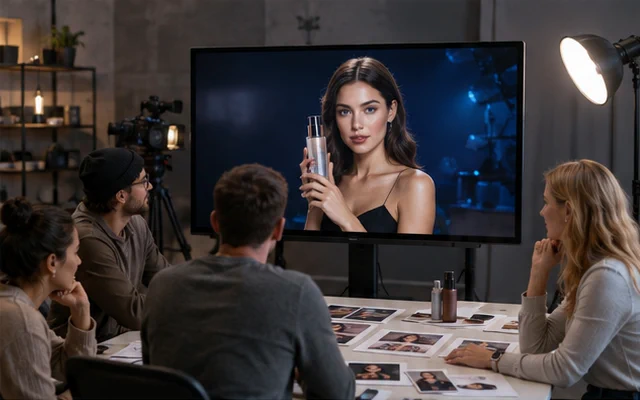
Digital ambassadors, original personalities and new video formats. One recognisable character develops the story across channels, under the control of the brand and creator.
CONCEPT VISUALISATIONCampaigns
Campaigns / Digital brand ambassador
One personality. Many sides of the brand.
We design a character that gives a campaign a recognisable face and voice. One approved creative direction can produce product presentations, short videos and messaging variants for different audiences.
WHAT CHANGES
A consistent campaign identity, from short video to conversation on a product page.
How it works: Campaigns
“Can our ambassador present a new product in several languages?”
We define the ambassador’s personality, tone and brand communication rules.
We create scripts, language versions and formats suited to each channel.
The brand team approves all materials before publication.
Required integrations
Brand assets, product catalogue, content approval process, CMS and video library.
Contact channels
VIDEO · SOCIAL MEDIA · WEB · SCREENS
The AI character does not pretend to be a real customer or present invented experiences. We clearly disclose the advertising and synthetic nature of the material.
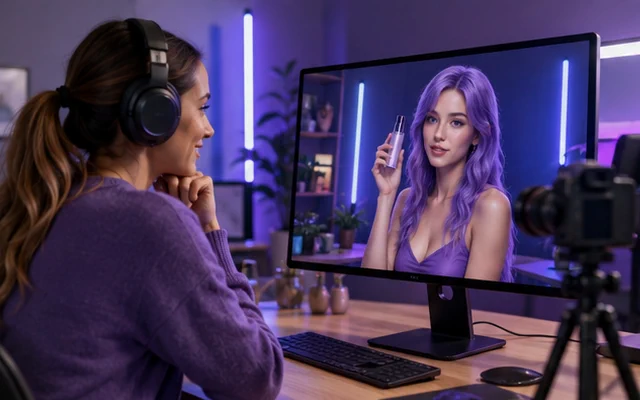
We create original virtual influencers and, with their consent, digital versions of real creators. The character can host advice series, present products and answer questions interactively.
WHAT CHANGES
A recognisable character and regular communication that remain under the creator’s control.
How it works: Influencers
“Can I create a virtual character with its own content series?”
We define the personality, appearance, voice, topics and limits of what the character may say.
We prepare episodes, responses and language versions in line with the creator’s plan.
The creator approves publications; live interactions remain within an agreed scope.
Required integrations
Publishing plan, creator knowledge base, video library and moderated conversation module.
Contact channels
SOCIAL MEDIA · VIDEO · LIVE · WEB
We use the likeness and voice of a real person only with their consent. We label AI characters and paid partnerships and do not create false recommendations.